Play Plane Shooter Online
Plane Shooter Gameplay and Rules
Plane Shooter is a free browser-based vertical shooter from Ply Yard. No download or account is required. Move with the arrow keys or drag your plane; it fires upward automatically. Destroy enemy planes to earn points, and avoid enemy planes and bullets to preserve your lives. Play solo here, team up on one device in local co-op, or share a Same Run link to compare scores. Watch bullet paths, leave room to maneuver, and use a bomb when your escape routes are blocked.
Solo, Local Co-op and Same Run
Endless solo play. Control one plane against a continuous stream of enemies. There is no final stage. The run ends when you lose your last life, and your final score appears at game over.
Local two-player co-op. Two players control separate planes on the same device. On a computer, one uses the arrow keys and the other uses WASD. You share lives, a score, and a bomb cooldown. A hit on either plane costs a shared life. There is no friendly fire: neither player's shots can damage the other's plane.
Same Run. Copy a link from the Same Run page and send it to another player. Each of you plays independently, then compares scores after finishing. The link includes a random seed, a value that initializes random enemy generation. It does not create a live multiplayer session or synchronize your positions or scores.
Movement, Bombs and Speed
Movement and shooting. Use the arrow keys or click and drag within the playfield on a computer. On a phone or tablet, drag to move. Your plane can move both horizontally and vertically, rather than being confined to the bottom of the screen. It fires upward automatically, regardless of movement direction. You do not need to hold a fire button.
Bomb controls. Click or tap Bomb at the bottom-right of the playfield or in the information panel, or press the space bar. A bomb clears every enemy plane and enemy bullet currently on screen. The button's countdown shows how long you must wait before using another bomb. Bombs do not restore lives or stop new enemies from spawning.
Speed settings. Steady is the default. Choose Calm for a slower pace or Brisk for a faster one. The setting changes enemy movement speed and spawn intervals, keyboard movement speed, your firing rate, and the speed of newly fired bullets. Dragging moves your plane directly to the chosen position. Switching speeds does not reset your score, lives, or wave.
Pausing and restarting. Select Pause to pause the game and Continue to resume. Selecting New run immediately discards your progress and resets your lives, score, destroyed-enemy count, wave, and bomb cooldown. Your speed setting stays the same. A run discarded before game over cannot update your best score.
Scoring, Waves and Collisions
Scoring. Every enemy plane destroyed by your shots or a bomb earns 10 points and adds to your destroyed-enemy count. Clearing bullets earns no points. An enemy that leaves the playfield costs no lives and awards no points, so you do not need to cross enemy fire to chase a plane near the bottom.
Waves and enemy types. The game starts at wave 1 and advances 1 wave every 18 seconds of active game time, whether or not you have cleared the screen. At higher waves, enemies descend faster and spawn more frequently, until the spawn interval reaches its minimum. Enemy planes can drift sideways, weave from side to side, or fire bullets. Watch both the planes' movement and the paths of their bullets.
Hits and invincibility. You start with 3 lives. Unless you are invincible, a collision between your plane's hitbox and an enemy plane's or bullet's hitbox costs 1 life. The run ends when you have no lives left. If you survive the hit, you gain approximately 1.15 seconds of invincibility and cannot lose another life during that time. Taking a hit also clears all current enemy bullets, but not all enemy planes.
Game time. Bombs have an 8-second cooldown. Once it expires, you can use another bomb, with no limit on the number of uses per run. Wave progression, bomb cooldowns, and post-hit invincibility are measured in active game time. All three timers stop while the game is paused, and bombs cannot be used until play resumes.
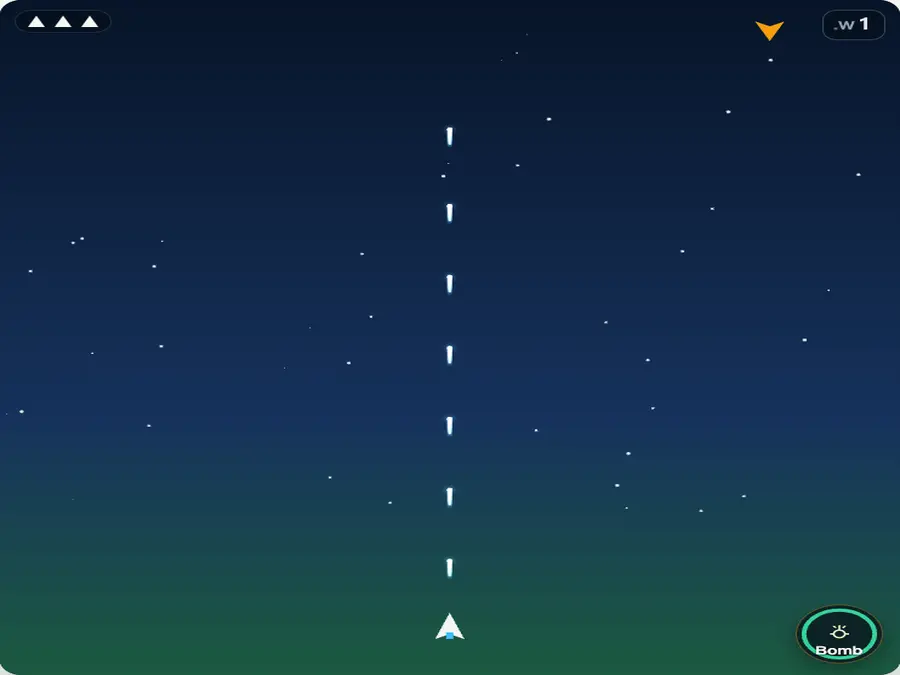
Dodge Vertical Fire
Enemy bullets travel straight down; they do not track your plane. When a bullet approaches from above, check where nearby enemies are heading and move sideways if the route is clear. Moving downward buys time but does not take you out of the bullet's path. Once you reach the bottom, you still have to move sideways. Staying low gives you more time to react, but a corner limits your escape options. A weaving enemy can move into an opening, so judge where it is going, not just where it is.
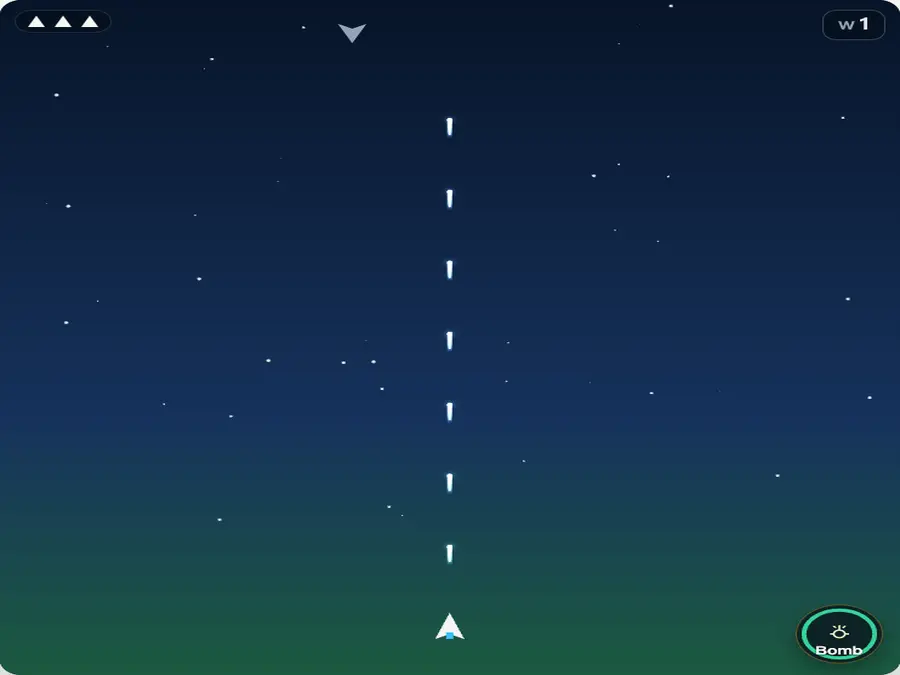
Clear Escape Routes with Bombs
Decide when to use a bomb by checking your escape routes, not just counting enemies. If planes close in from both sides and bullets block the way ahead, use a bomb before you are hit. You do not need to wait until you have only 1 life left. If you can safely move sideways, save the bomb for a later threat. After clearing the screen, move to a position with room on both sides. Chasing enemies upward puts you closer to new arrivals and can leave you exposed while the bomb is on cooldown.
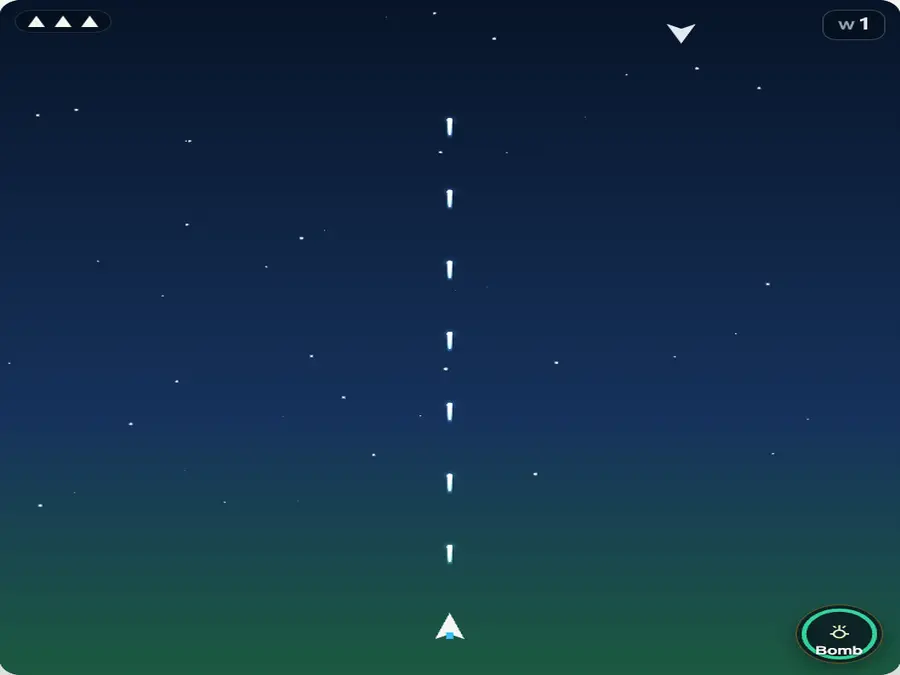
Reposition During Invincibility
If you survive a hit, use the brief invincibility period to reposition. The hit clears existing enemy bullets, but enemy planes keep moving and can fire again. Look for an opening beside you and move away from where you were hit. The screen does not clear again when invincibility expires, so heading into a cluster of enemies can cost another life. After a hit, consider whether you started dodging too late, chased an enemy too far, or left yourself trapped in a corner. Keep the speed setting unchanged when testing a different route.
3starting lives
10points per enemy
18 secwave interval
8 secbomb cooldown
Plane Shooter FAQ
Is Plane Shooter free to play?
Yes. Solo play, local two-player co-op, and Same Run are all free. Plane Shooter runs in your browser, so there is no game client to download and no account to create.
Does moving change where my plane fires?
No. Your plane always fires upward, no matter which way you move. Your shots cannot travel downward to hit enemies below you. Letting an enemy leave the playfield does not cost a life.
When can I use a bomb?
You can use a bomb while the game is running, as long as its cooldown has ended. Click or tap Bomb, or press the space bar. The countdown shows how long you have to wait. Bombs cannot be used while the game is paused or after game over.
Is Same Run live multiplayer?
No. Same Run shares a random seed through a link, but each player plays independently on their own device. Positions and scores are not synchronized, and there is no shared leaderboard. Compare your scores with the other player after you finish.
Does Same Run guarantee identical conditions?
No. Sharing a random seed does not guarantee identical conditions. Playfield size, window resizing, and speed settings can affect enemy positions or later spawns. For a closer comparison, use the same speed and avoid resizing the window during play. Even then, Same Run does not guarantee that both players face exactly the same conditions.
Is there a separate best score for each mode?
No. Solo, local co-op, and Same Run use the same best score in your browser, across all speed settings. It records the highest score from a completed run, without separate rankings for mode or difficulty.
What progress does the game save?
The game saves your best score, not an unfinished run. Reloading or closing the page, or selecting New run, discards your current progress. When you lose your last life, a score that beats your previous record becomes your new best. That record is saved in your browser's local storage. It does not sync across browsers or devices, and clearing the site's data deletes it.
How do sound and Focus mode work?
Click or tap the sound icon to turn audio on or off. Your browser saves that preference. Use the Focus mode icon to switch the display to or from Focus mode. On a computer, you can also press F to toggle it or Esc to exit. Neither setting changes the scoring rules or collision detection.