Play Two-Player Plane Shooter
Two-Player Plane Shooter Guide
Two-Player Plane Shooter is Ply Yard's free local co-op mode. No download or account is required. Each player controls a plane on the same device; both fire upward automatically and share lives, a score, and a bomb cooldown. You fight enemies together, not each other, and cannot connect separate devices for live co-op. Leave room for each player to dodge, and reposition together after a hit or when escape routes close. A computer keyboard is recommended. Touch controls do not support two players dragging independently at the same time.
Keyboard Controls and Devices
Keyboard controls. The blue plane starts on the left and uses the arrow keys. The yellow plane starts on the right and uses W, A, S, and D for up, left, down, and right. Both planes can move horizontally and vertically anywhere in the playfield, not just within their starting halves. Movement does not change the upward firing direction.
Checking your controls. Before playing, agree on who uses each set of keys and who will trigger bombs. Check that both sets of keys respond when pressed together, including diagonal movement and the space bar. Some keyboards cannot register certain combinations of simultaneous key presses. If a plane stops moving while both players are pressing keys, check the keyboard's input limits rather than assuming this is a game rule.
Touch limitations. Pressing the left half of the playfield selects the blue plane; pressing the right half selects the yellow plane. You can then drag the selected plane across the whole playfield. However, the game tracks only one drag target, not two independent fingers. Additional touches or finger releases can replace or end the active drag. The page works on phones and tablets, but it does not provide full two-player touch controls.
Shared Lives, Scoring, and Hits
Shared lives. You start with 3 shared lives, not 3 lives each. Unless you are invincible, a collision between either plane's hitbox and an enemy plane or bullet costs 1 shared life. The run ends for both players when no lives remain. Player planes cannot damage each other by colliding, and neither player's bullets can damage the other plane.
Shared scoring. Every enemy destroyed by either player's shots or a bomb earns 10 points and adds to the shared destroyed-enemy count. There are no individual scores or rankings for enemies destroyed. Clearing enemy bullets earns no points. An enemy leaving the playfield earns no points and costs no lives.
Shared post-hit invincibility. If lives remain after either player takes a hit, both planes gain approximately 1.15 seconds of invincibility. No further collisions cost lives during that time. Taking a hit also clears all current enemy bullets, but not all enemy planes. Use this interval to find new escape routes rather than waiting for your position to become safe.
Wave progression. Waves start at 1 and advance by 1 every 18 seconds of active game time, whether or not you have cleared the screen. Later waves increase enemy descent speed and shorten spawn intervals until the minimum interval is reached. Both players share the same playfield, wave, and speed setting.
Bomb Cooldowns and Settings
Shared bombs. Either player can click or tap Bomb, or press the space bar, to clear all current enemies and enemy bullets. You share an 8-second cooldown. Once it ends, either player can use another bomb, with no limit on uses per run. Bombs do not restore lives or stop new enemies from spawning, and cannot be used while paused or after game over.
Speed settings. Steady is the default. Calm provides a slower pace, and Brisk provides a faster one. The setting affects both planes' keyboard movement speed, firing rate, and newly fired bullet speed, along with enemy movement speed and spawn intervals. Dragging sets the selected plane's position directly, independently of keyboard movement speed. Switching speeds preserves your score, lives, and wave.
Pausing and restarting. Pause stops the game for both players; Continue resumes it. Wave progression, bomb cooldowns, and post-hit invincibility all stop while paused. New run immediately discards your progress and resets lives, score, enemies destroyed, wave, and bomb cooldown, while keeping the speed setting. A run discarded before game over cannot update your best score.
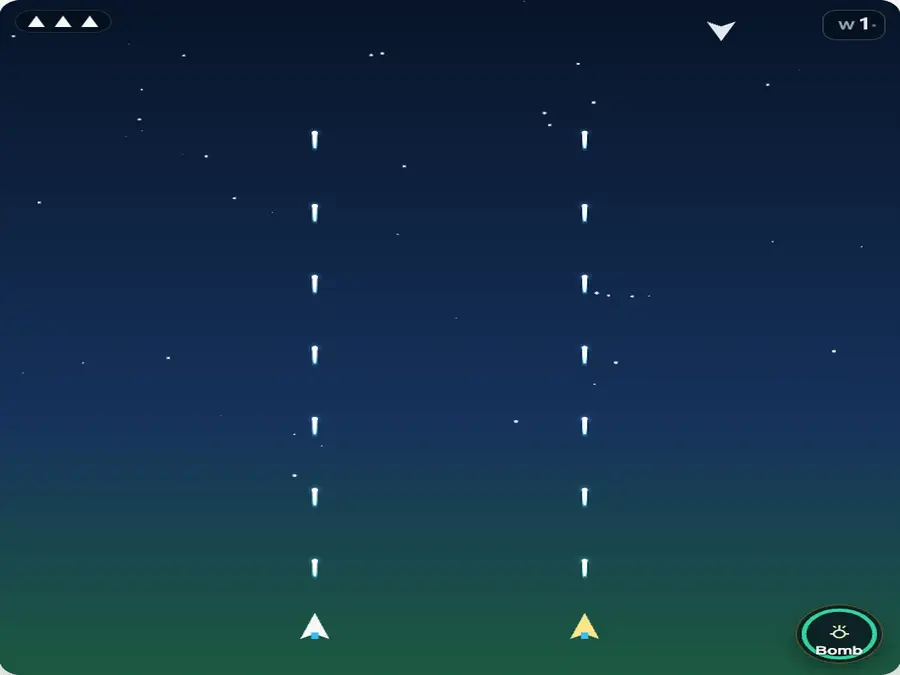
Keep Separate Firing Lanes
Using opposite sides as your default positions keeps your firing lanes separate and helps each player watch threats from above. These are agreed positions, not boundaries: either plane can cross the center to dodge. Overlapping causes no damage, but concentrates your fire and makes your planes harder to distinguish. Do not retreat into a corner just to stay on your side, or both chase an enemy near the bottom. Enemies leaving the screen cost no lives; keeping room to dodge is usually more important.
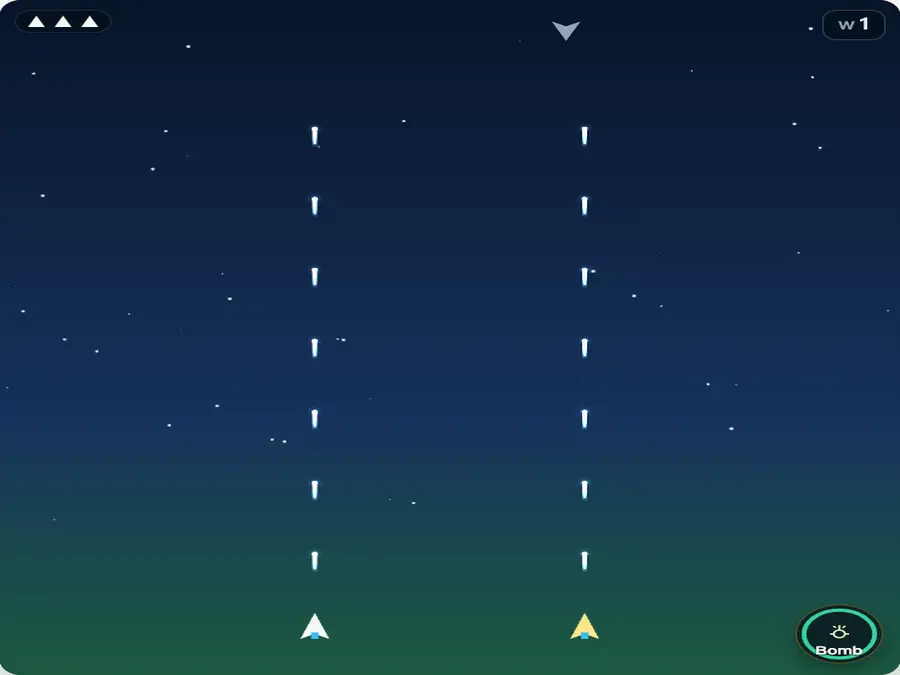
Reposition Together After a Hit
A hit on either plane makes both briefly invincible, so the player who was not hit should also check their next route. Existing enemy bullets are cleared, but planes keep moving and can fire again. Nothing clears when invincibility expires. Check the openings on both sides and move away from the collision area. If you both move toward the same side, adjust your positions so you do not remain together in a restricted area. Review late dodges, excessive pursuit, and limited corner space rather than simply blaming the player who was hit.
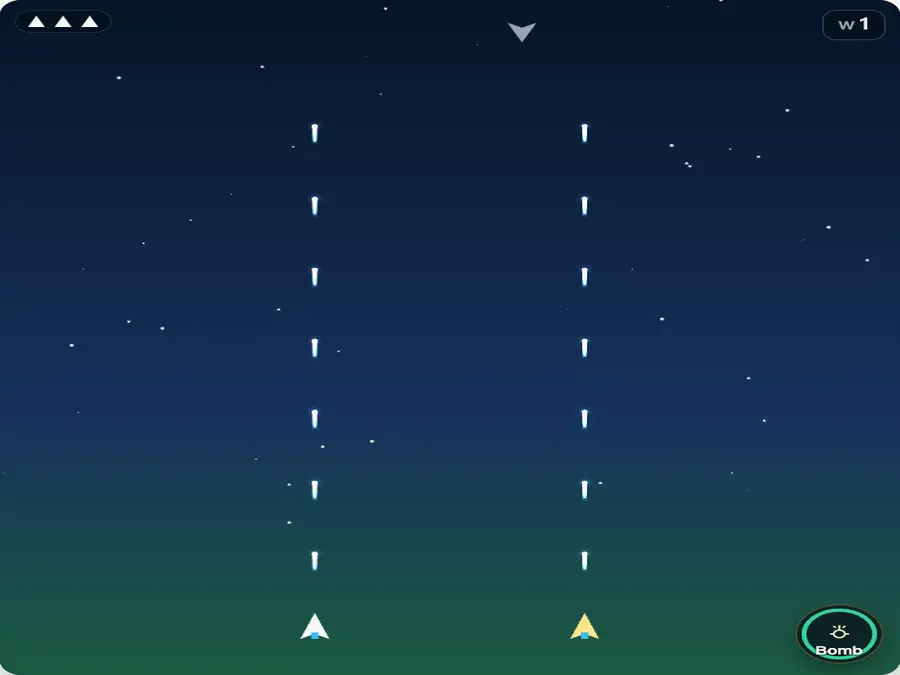
Use Bombs to Protect Both Planes
A bomb clears the whole playfield; you do not need to wait until both planes are trapped. If either player has no safe escape route, call out the threat so the player assigned to bombs can act before a collision. The other plane having room to move does not protect your shared lives. During cooldown, neither player can use another bomb, so return to positions with lateral escape routes. Watch the remaining cooldown and the direction of new enemies instead of immediately chasing upward after the screen clears.
2independent planes
3starting shared lives
10points per enemy
8 secshared bomb cooldown
Two-Player FAQ
Is two-player mode free?
Yes. Two-Player Plane Shooter offers free local co-op with no download or account required. Both players use the same page on one device. A computer keyboard that supports both sets of keys at once is recommended.
Can we play live co-op on separate devices?
No. This mode is local co-op on one device, not a live multiplayer room. To compare scores on separate devices, share a random-seed link through Same Run. Each player still plays independently.
Why does a hit reduce our shared lives?
You have one shared life count, starting at 3, rather than separate lives for each player. Unless the planes are invincible, a hit on either one removes 1 shared life. The run ends for both players at zero lives; there is no individual elimination or separate respawn.
Can our planes damage each other?
No. Collisions between player planes cause no damage, and your bullets cannot damage your teammate. Overlapping does not remove a life, but can make your planes harder to distinguish and concentrate your firing lanes. Keeping some space between them is still useful.
Can we both drag on a phone or tablet?
Not independently at the same time. Pressing the left half selects the blue plane; pressing the right selects the yellow plane. The game tracks only one drag target, so additional fingers can replace or end the current drag. Use the two sets of keyboard controls for simultaneous independent movement.
Why does a plane stop when we press keys?
Some keyboards cannot register certain combinations of simultaneous key presses. Using arrows, WASD, and the space bar together may cause missed input. Pause and check those combinations with a keyboard testing tool. If necessary, use a keyboard that supports them. This hardware limitation is unrelated to shared lives.
Can I play while controlling only one plane?
Yes, but the other plane stays in the playfield, fires automatically, and can still take hits that cost shared lives. The game does not switch to solo rules. Use the homepage's endless solo mode if you want to manage only one plane.
Can we each use a bomb in quick succession?
No. Either player can click or tap Bomb or press the space bar, but you share an 8-second cooldown. The other player cannot immediately use another bomb. Once the cooldown ends, bombs are available again with no limit on uses per run. They cannot be used while paused or after game over.
Does a hit make both planes invincible?
Yes. If shared lives remain after a hit, both planes gain approximately 1.15 seconds of post-hit invincibility, and current enemy bullets are cleared. Not all enemy planes are cleared, and bullets are not cleared again when invincibility expires, so both players need to reposition.
Are co-op scores separate, and can we resume?
You cannot resume an unfinished run. Reloading, closing the page, or selecting New run discards current progress. At game over, a shared score above the previous record is saved as your best score. The record is shared across solo, co-op, Same Run, and all speed settings, with no individual scores. It stays in the current browser's local storage and is deleted when you clear the site's data.